
Article Blocks for Astro
Astro article layouts with author details, lead images, and reading content.
Image header
Lead with an image, then keep the author details close to the article title.
What belongs in a weekly planning review?
A short review can connect unfinished tasks with the decisions your team needs to make next.

Leila Moreno
September 14, 2026

Start by checking the tasks that remain open. A task can be unfinished because the work is large, a question is unanswered, or the next step has no owner. Record the reason before changing the date.
Ask the team to choose a small number of next actions. Give each action an owner and write down the information that person needs. Keep new ideas in a separate list until the current work has a clear direction.
Finish by reading the decisions aloud. A teammate who missed the discussion should be able to use the notes without asking the same questions again. Review those notes at the start of the next meeting.
bunx --bun shadcn@latest add @gnostic/article-1npx shadcn@latest add @gnostic/article-1pnpm dlx shadcn@latest add @gnostic/article-1Centered header
Center the title and author details before the reading column.
How an editor prepares a new issue
An editorial plan starts with reader questions, a clear brief, and time to check the details.

Leila Moreno· September 14, 2026
6 min read
Start an issue by collecting questions from readers. Group the questions by topic and choose one that the next story can answer clearly. Leave the remaining ideas in the editorial list.
Prepare a brief with the reader question, the planned sources, and the checks the draft will need. Give the writer a date for the first review and explain which details are still uncertain.
Read the draft for meaning before changing individual sentences. Check each claim against its source and make sure the ending gives the reader a useful next step. Keep the review notes with the issue.
bunx --bun shadcn@latest add @gnostic/article-2npx shadcn@latest add @gnostic/article-2pnpm dlx shadcn@latest add @gnostic/article-2Editorial article
Use this section for a case study or journal entry.
Original concept project
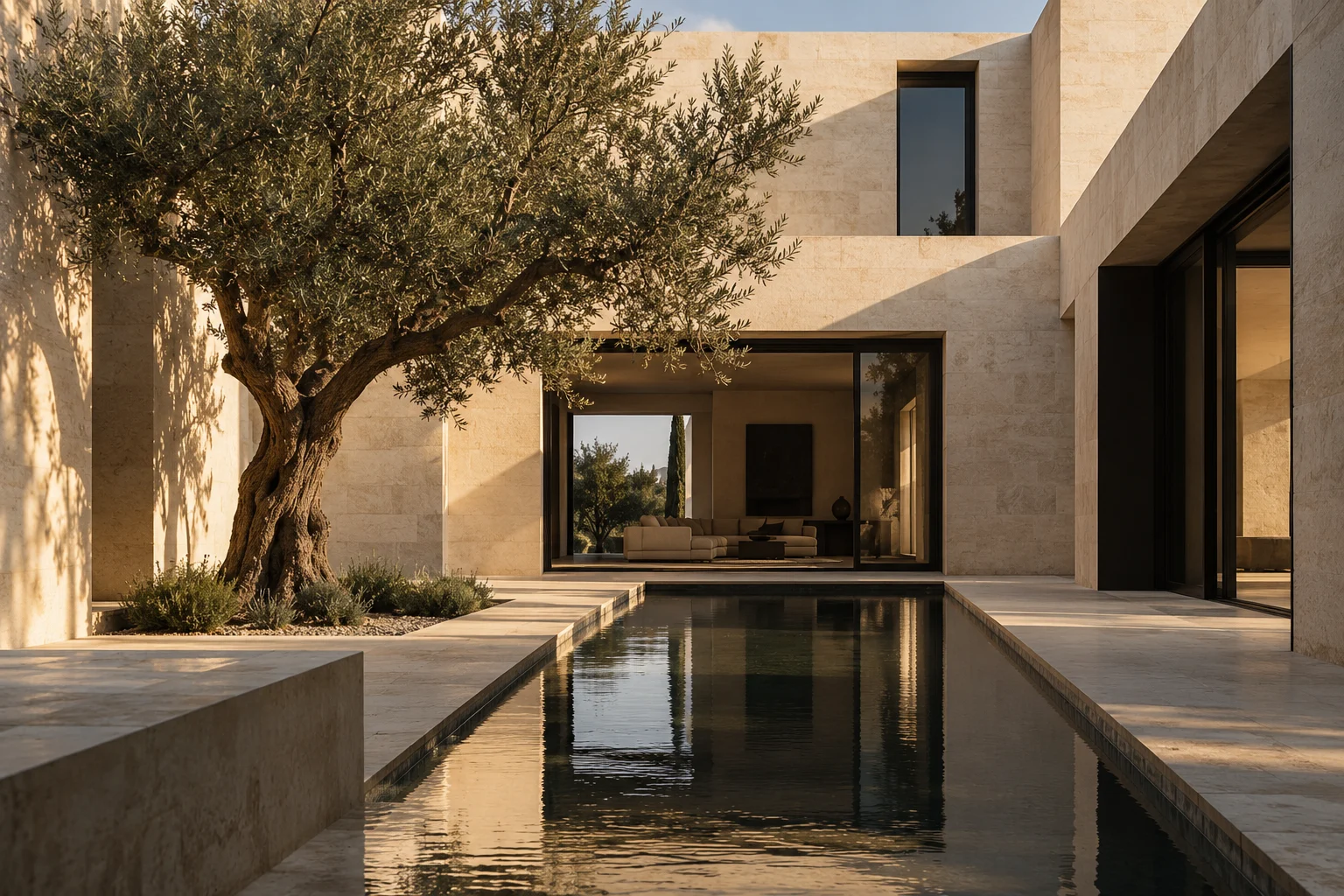
Rook & Stone
A quiet identity and project archive for a residential architecture practice.
- Client concept
- Rook & Stone
- Scope
- Brand strategy, Studio website
- Year
- 2026
The challenge
Rook & Stone is a fictional residential practice with a patient approach to materials and light. Its concept brief called for an identity that could feel precise without becoming cold, and a website that could explain a home without turning it into a list of features.
The approach
We paired a restrained wordmark with warm photography and short project notes. The archive starts with a view of each house, then moves through its setting, plan, and material choices. A small set of page patterns keeps new case studies easy to publish.
The outcome
The concept brings the practice’s point of view into focus. Visitors can browse the work, understand how the team thinks, and start a relevant conversation. This is an original demonstration project for the Foldline sample brand.
bunx --bun shadcn@latest add @gnostic/content-agency-articlenpx shadcn@latest add @gnostic/content-agency-articlepnpm dlx shadcn@latest add @gnostic/content-agency-articlelabelstring
Content category.
stringtitlestring
Article heading.
stringdescriptionstring
Article summary.
stringimageAgencyImage
Main image.
AgencyImagemetadata{ label: string; value: string }[]
Article facts.
{ label: string; value: string }[]sections{ title: string; description: string }[]
Article sections.
{ title: string; description: string }[]backAgencyLink
Link to the collection.
AgencyLinkclass?string
Classes for the root element.
stringSee serif accent font setup when installing this section.
Choose a article layout
Choose an article layout for one long-form page. Keep the title specific and use the description to set the scope. Author and date details should describe the actual publication, not the demo content.
Pass content from Astro
Pass the heading, author object, and image required by the chosen block. Place the article body in the supported content slot. The template owns collection queries and the route; the reusable block only receives the resulting content.
Responsive layout and images
Check line length, long headings, code, and tables on small screens. Supply image dimensions through the expected Astro image type and use a crop that still makes sense beside the title. A decorative lead image can have empty alt text; an informative image needs an accurate description.
Compose the next section
Use Articles for a listing, Doc for a reference page, and Typeset for prose styles.